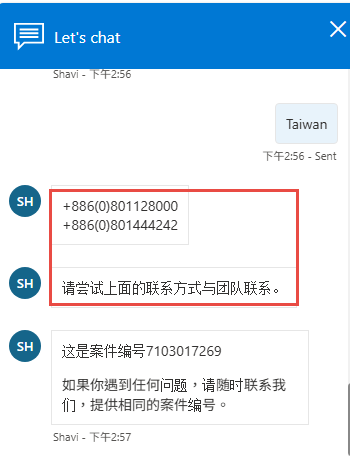
(建立案件&與客服人員對話&電話支援:00801128000 or 00801444242)
解決方法
步驟如下:
- 在授權伺服器上開啟 Remote Desktop Licensing Manager
- 右鍵伺服器 → Properties(內容)
- 將連線方式改為 Telephone(電話)
- 再次右鍵伺服器 → 選擇 Install Licenses(安裝授權)
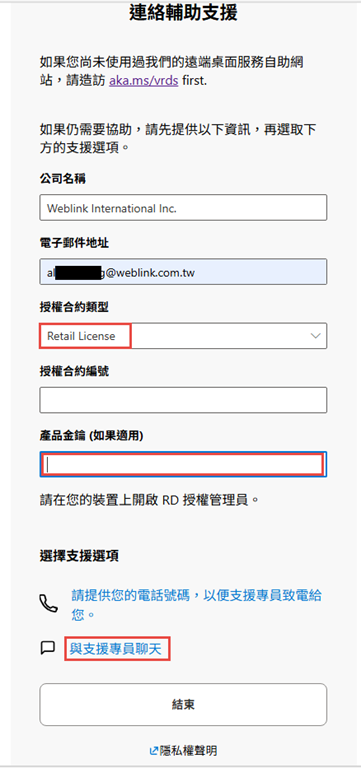
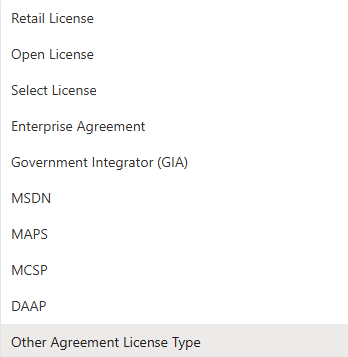
- 聯繫 Microsoft 支援工程師,提供:
- License Server ID
- RDS CAL 產品金鑰
- Microsoft 支援人員會提供一組 35 字元的 License Key Pack ID,相容於您要降級的目標版本。 https://learn.microsoft.com/en-us/answers/questions/5882489/windows-server-2025-rds-cal-10-user-)-downgrade-to
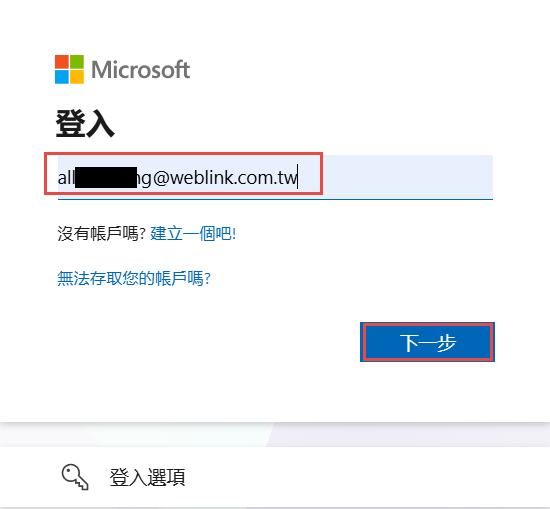
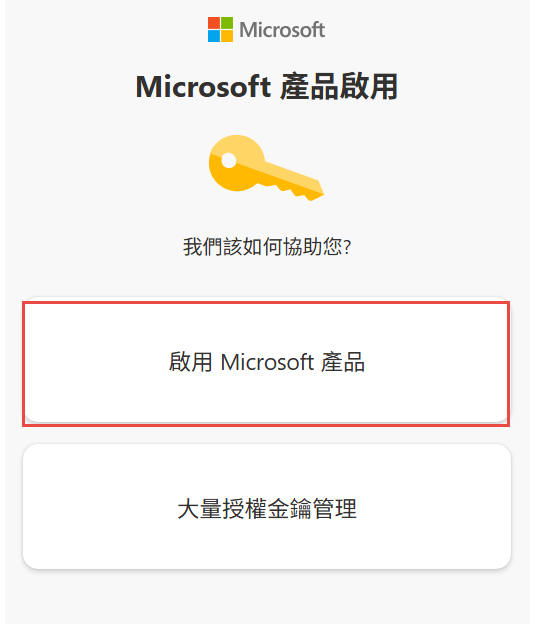
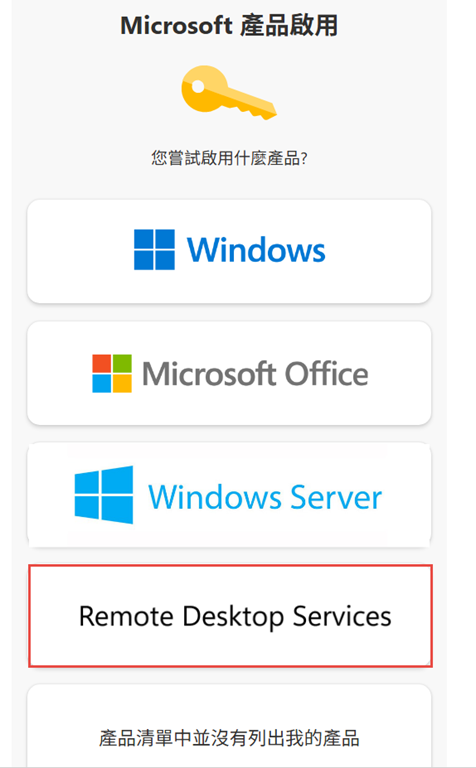
台灣地區可透過 aka.ms/aoh 開立支援票券,選擇:
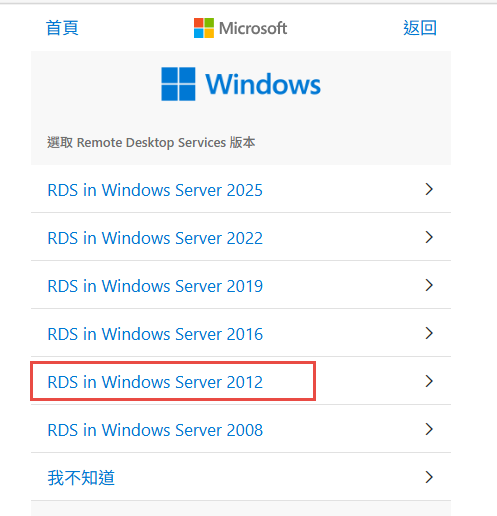
Microsoft Product Activation → Remote Desktop Services → RDS Server 2025
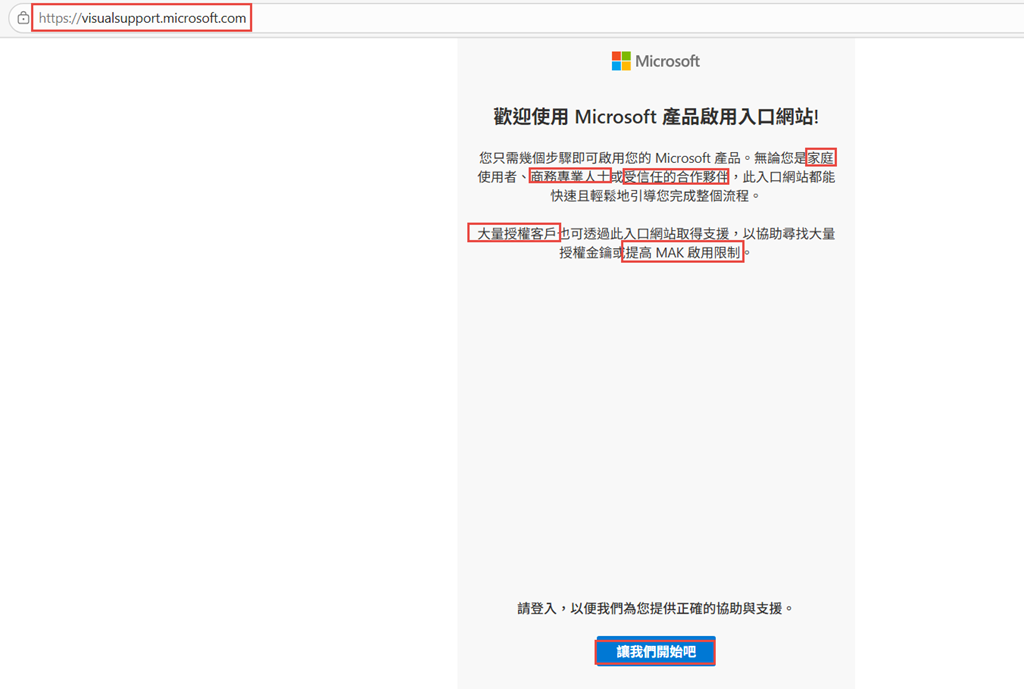
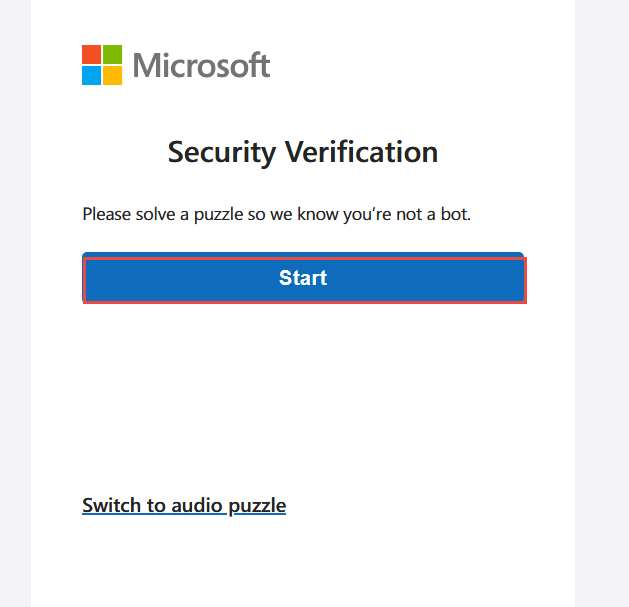
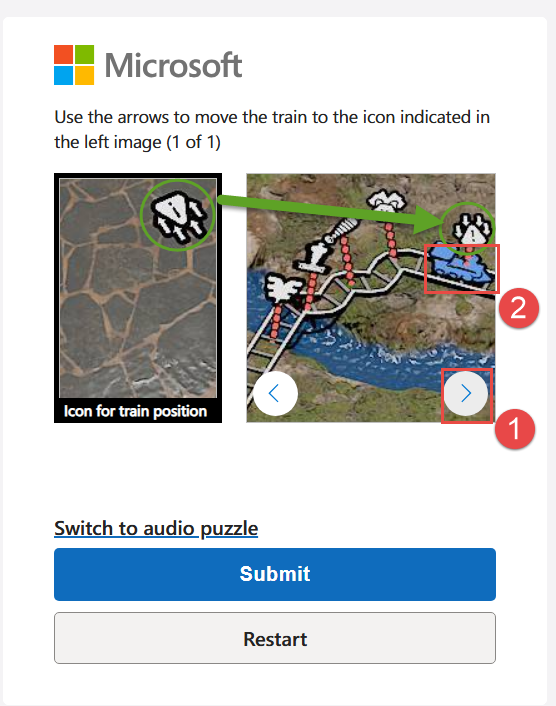
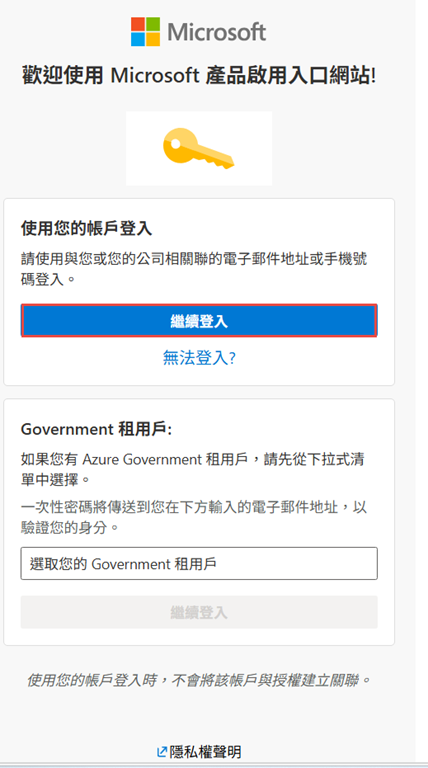
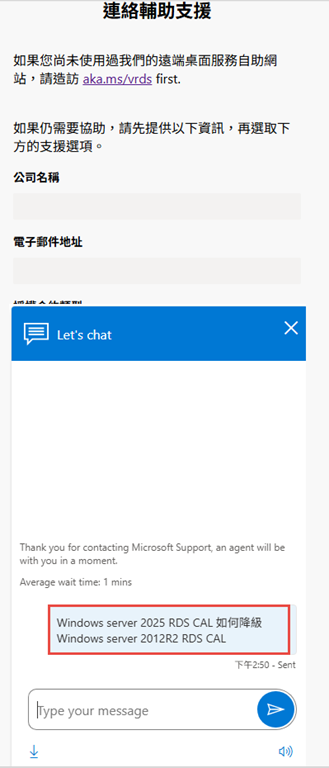
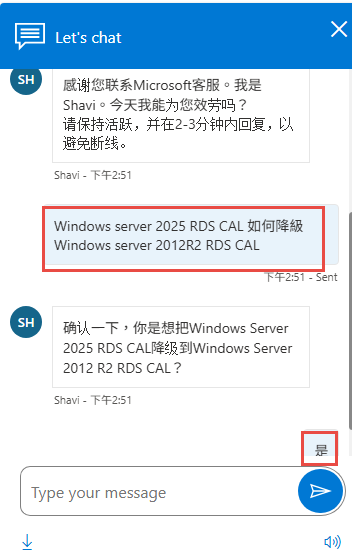
00801128000 or 00801444242
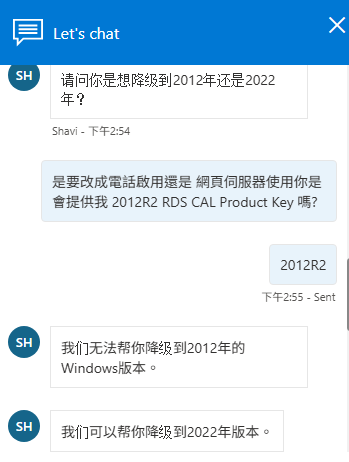
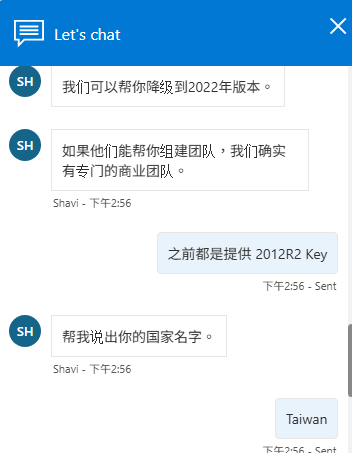
更簡單的替代方案
更穩健的架構做法是:另外建一台 Windows Server 2025 虛擬機器來擔任 License Server 角色。2025 授權伺服器可以原生安裝 2025 CAL,同時將授權發給較舊版本的 Session Host,完全符合 Microsoft 的向下相容標準,無需電話啟用。 Microsoft Learn
對於您的 2012 R2 環境,這個方法最為簡單可靠,不需要向 Microsoft 申請降級 Key Pack ID。
近期留言